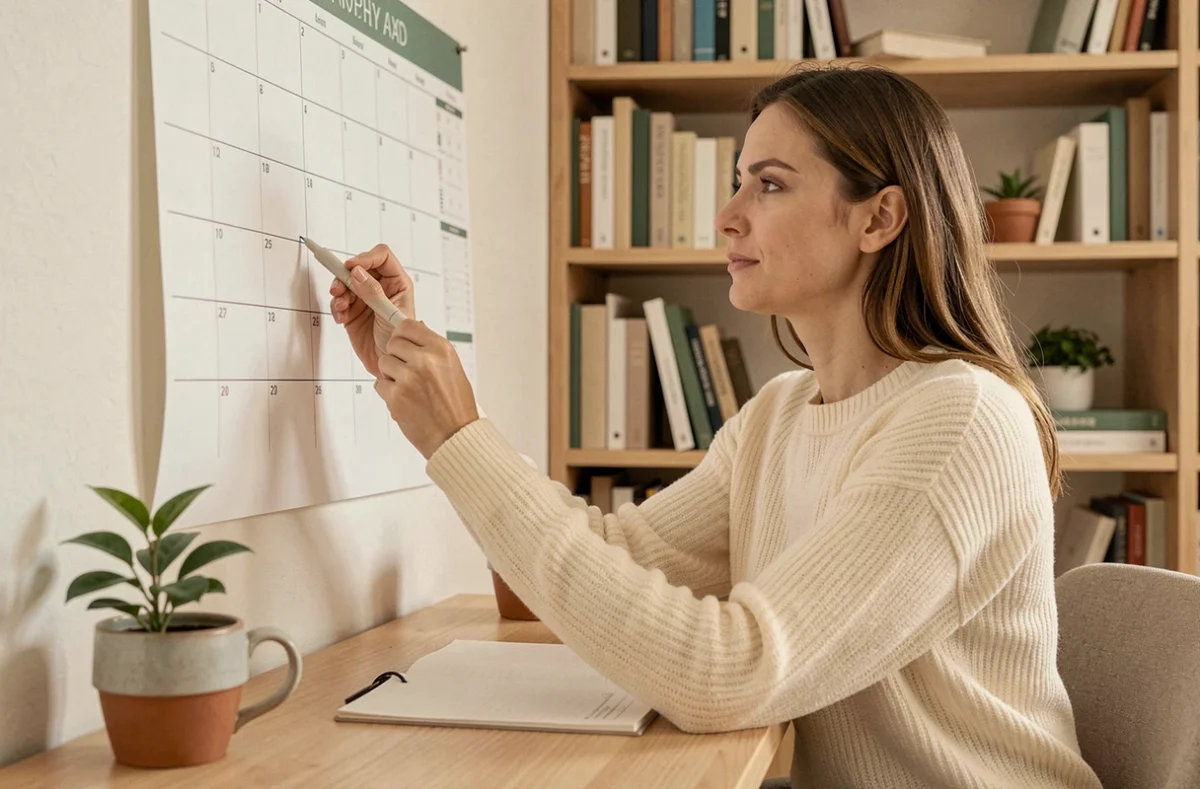
Wall calendar, pocket planner, mobile app, interactive PDF on tablet: the number of formats available for planning one’s days has never been so vast. Each of these types of calendars serves distinct purposes, and the choice of the right format directly influences how regularly it is used. Comparing their factual characteristics allows us to determine which one meets a specific need rather than relying on habit or trend.
Comparison table of the main types of calendars
Before analyzing each format in detail, a synthetic overview helps to identify significant differences between the options.
| Type of calendar | Medium | Time view | Sharing | Notifications | Main use |
|---|---|---|---|---|---|
| Wall calendar | Paper | Month / year | Visual (home, office) | No | Overall view, family coordination |
| Pocket / desk planner | Paper | Day / week | Individual | No | Handwritten notes, appointments |
| Mobile app (Google Calendar, Outlook) | Digital | Day / week / month | Multi-users, real-time | Yes | Team management, project planning |
| Digital planner on tablet (GoodNotes, Jnotes) | Hybrid digital | Day / week | Limited (PDF export) | Non-native | Digitized handwritten notes |
| Shared online planning (Zoho, Microsoft Planner) | Digital | Week / month / project | Teams, clients | Yes | Task management and project tracking |
This table highlights a first difference: only digital calendars offer notifications and real-time sharing. Paper retains an advantage in visual perspective but does not cover remote coordination.
To delve deeper into the types of calendars for effective organization, one must go beyond a simple list of formats and examine what truly differentiates their impact on productivity.

Paper calendar vs digital calendar: what recent usage reveals
A report from Ouest-France at the start of the 2026 school year shows that the paper planner struggles to attract middle and high school students. Many declare “not writing anything in it,” preferring mobile apps or messaging integrated into the ENT. This generational shift towards digital calendars among those under 20 transforms the paper planner into a mandatory object rather than a true organizational tool.
The act of handwriting activates a form of memorization that simply clicking on a notification does not replicate, which explains the persistent attachment of many adults to the paper format.
The case of hybrid planners on tablet
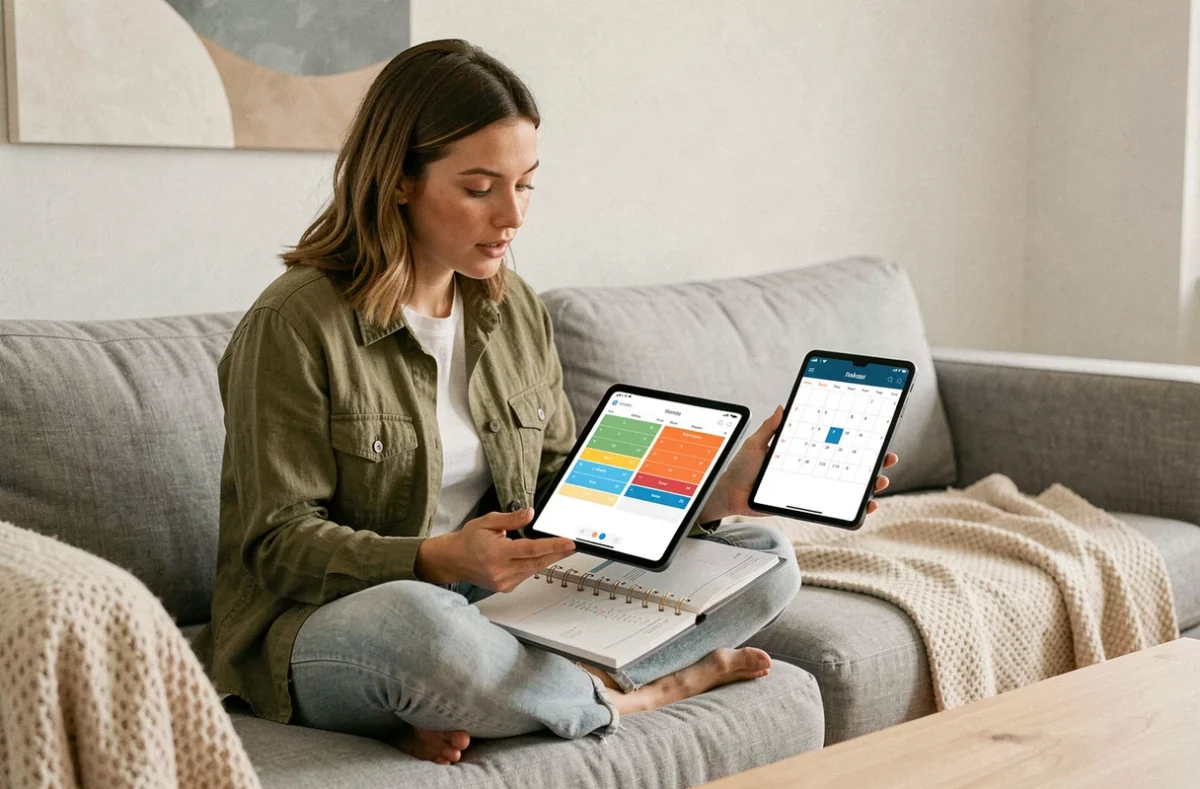
A new format positions itself between these two worlds: annotable interactive PDFs on tablet with stylus (GoodNotes, Jnotes). These planners adopt the logic of paper (dated pages, note spaces) while remaining digitized. They cater to individuals attached to handwriting who want to eliminate the physical medium.
Their main limitation is sharing. Unlike Google Calendar or Microsoft Outlook, these hybrid planners do not natively sync with other users. The format remains individual, making it unsuitable for team management.
Shared digital calendars: features and gaps between platforms
For businesses and teams, the choice focuses on three main ecosystems: Google Calendar, Microsoft Outlook, and Zoho Calendar. Their basic features are similar (event creation, invitations, reminders), but the gaps widen in project management and integration.
- Google Calendar natively integrates with Google Meet, Google Tasks, and Gmail, making it a coherent choice for businesses already within the Google Workspace ecosystem.
- Microsoft Outlook couples the calendar with email and Microsoft Planner, allowing tasks to be assigned directly from an event. Companies using Microsoft 365 find a centralized planning without third-party tools.
- Zoho Calendar targets organizations using the Zoho suite (CRM, Projects, Mail). Its advantage is the direct connection between the calendar and client tracking, useful for sales teams planning prospect meetings.
The determining factor is not the richness of isolated features, but compatibility with existing tools. Migrating from one ecosystem to another to gain a calendar function costs more in friction than in productivity.
The notification overload, a documented side effect
The information overload related to notifications is a point rarely addressed in calendar comparisons. Each alert interrupts the flow of concentration, and regaining the same level of attention after an interruption requires a disproportionate effort compared to the duration of the notification itself.
Setting reminders wisely (one reminder per event, disabling alerts for informational events) is part of the effective use of a digital calendar. The tool only produces productivity if its alerts are calibrated.
Wall calendar and family planning: a format that digital does not completely replace
The wall calendar retains a function that apps struggle to replicate: passive and permanent visibility. Hung in a kitchen or hallway, it imposes itself in the visual field without voluntary action. No one needs to unlock a screen or open an app to check the date of the next medical appointment.
For family coordination, this format remains relevant precisely because it does not depend on any user account. Each household member can add information with a marker without creating synchronization conflicts. The constraint (limited space, no automatic reminder) also forces a selection of events that are truly shared.
In contrast, for coordination involving people outside the household (extracurricular activities, shared custody), a shared digital planner takes over more effectively.
The choice of calendar type is not just a personal preference. It depends on three concrete variables: the number of people who need access, the need for notifications, and each person’s relationship to handwriting. Cross-referencing these three criteria guides towards one format, sometimes towards two complementary formats used in parallel.